Written by
John
Published on
August 29, 2026

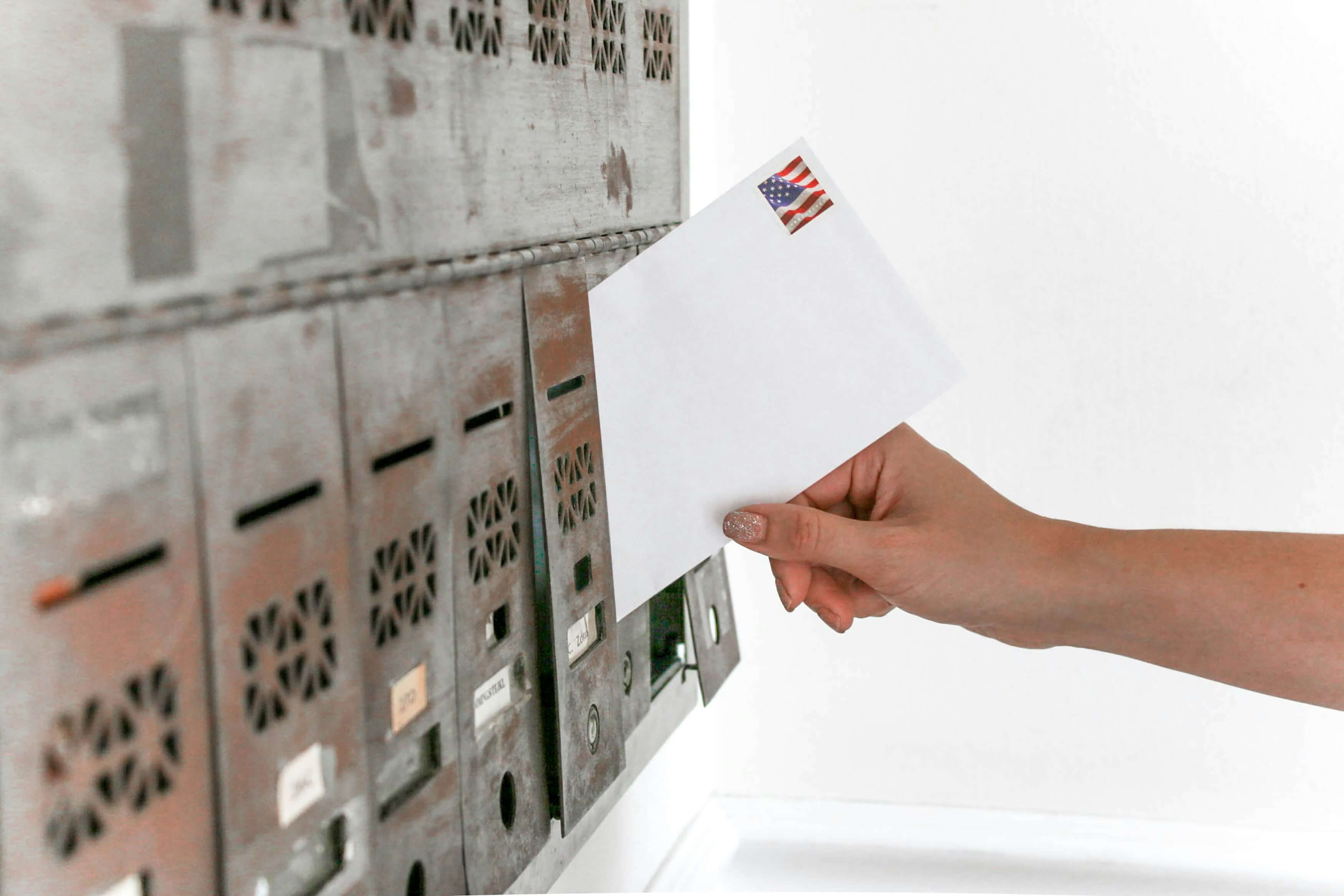
Most offices do not have a mailroom anymore. They have a person who gets to it when they can, a stack that grows on a desk, and a filing cabinet that absorbs whatever survives. It works until that person takes a vacation, and then nobody can find the check.
A digital mailroom fixes that by moving one step out of your office: the mail arrives with us instead of you. We open it, prep it, scan it, index it, and deliver searchable PDFs to whoever needs them — usually by the next business day. The paper is still handled by human beings. It is just not handled by your human beings, in your lobby, between everything else they are supposed to be doing.
We have been running scanning operations in Southern California since 2010. Below is what a digital mailroom actually involves, what it costs, and the specific things worth asking any vendor before you hand over your mail.
A digital mailroom is an outsourced service that receives your business mail, converts it to searchable digital files, and delivers those files to your team or directly into your systems. Instead of sorting envelopes, your staff opens a folder.
It is worth separating this from two things it gets confused with:
Mailroom outsourcing is the business version: real production scanning, real indexing to your naming rules, real quality control, and a document you can search on day one.
Mail comes to our facility, either forwarded by you or picked up by our courier. A technician opens every piece and preps it: removing staples, paperclips, and fasteners, flattening folds, and repairing anything torn enough to jam a feeder.
This is the unglamorous part, and it is also the expensive part. On a recent load of roughly 750 pieces, prep alone took a full working day. Any vendor who quotes you a price per page without asking how much prep is involved has not thought about your job carefully. We cover this in more detail in our guide to what makes a scanning project easy or complicated.
Prepped mail runs through production scanners at 300 DPI in color or grayscale. Blank backsides are detected and stripped automatically during capture — on a typical mail account that removes about a fifth of everything that physically goes through the scanner. You are not billed for those pages.
Mailroom scanning at this volume is production work, not a desktop scanner and a patient employee. The equipment, the settings, and the people are the same ones we run on large backfile projects.
This is the part most vendors gloss over, so here is exactly what we do.
Quality control at our facility is a distinct process from scanning, performed by a different technician than the one who ran the batch. It is not a cosmetic pass. It exists to catch errors made in the earlier stages, if any.
Four checks, three different people. When you are looking at vendors, ask which of these they actually perform and who performs them. “We check our work” is not an answer. We wrote a longer piece on the operational habits that separate a real scanning operation from a person with a scanner, including the paper production log we still run every job on.
Every document is named and filed according to your rules — date, account name, entity, matter number, whatever your team already searches by. Every page gets searchable OCR applied, so the text inside the document is findable, not just the filename.
Files are delivered by our secure shared cloud. We hold the physical originals for 30 days, after which we either return them or shred them under certificate.
Our packages are built around two numbers: how many envelopes you receive in a month, and how many pages those envelopes contain. Both matter, because prep is priced per envelope and capture is priced per page.
We quote per page as well as per envelope, because the page count is what actually drives the cost. A provider quoting you a low per-envelope rate on an assumption of three pages is quoting a different job than the one your mail represents.
Page allowances are pooled across the month, so one thick 60-page statement does not trigger a charge as long as the month averages out. Beyond your allowance, additional envelopes are $2.95 each and additional pages are $0.09 each.
Shipping and courier pickup are not bundled into any package. They are quoted separately based on distance and frequency, and we bill them at cost.
Business mail is heavier than people expect. Across our own mail accounts, envelopes average between ten and fourteen pages once you count multi-page statements, enclosures, and duplexed sheets. A quote built on an assumption of three pages per envelope will look cheap and then re-price the moment real mail shows up.
Ask any vendor what page count their price assumes. If they cannot tell you, the number is not a real number. Our broader breakdown of what document scanning actually costs goes through the same logic for project work.
Mailroom outsourcing earns its keep when mail is operationally important and the volume is steady. In our experience that means:
If your mail is mostly catalogs and the occasional check, you do not need this. A digital mailroom pays for itself when someone on your staff is currently spending real hours a week turning envelopes into files.
We put a fuller version of this list in our guide to choosing a professional document scanning company. It applies just as well to mail.
Most accounts start with a single test month. You forward or we pick up one month of mail, we run it end to end, and you see the real page counts, the real file names, and the real turnaround before committing to anything. That test also tells us what your actual page-per-envelope average is, which is what a firm quote should be built on.
We handle pickup across Los Angeles, Orange County, San Diego, Riverside, and Ventura counties. Here is how our pickup and delivery process works.
Ready to stop sorting mail? Get a quote for your digital mailroom and we will scope a test month around your actual volume.